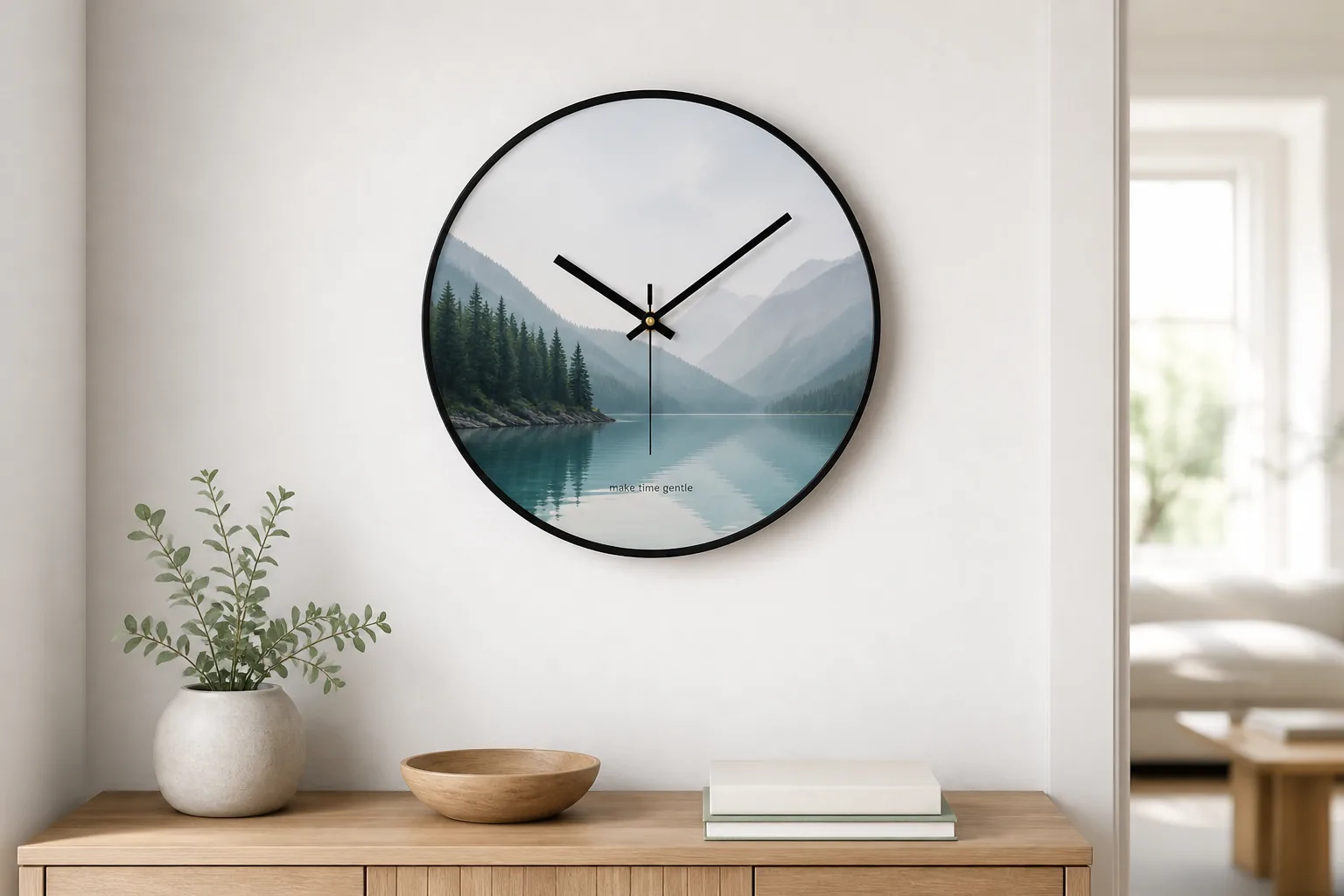
Family pictures, baby photos, wedding memories, pet portraits, travel photos, and keepsake images.
Personalized photo wall clock
Custom photo clocks made from your image, artwork, or logo.
Turn a family photo, pet portrait, travel image, event artwork, or brand graphic into a round wall clock. Bonmo Clock checks the crop, readability, frame color, hand color, and proof before production.
8-16 inch
MOQ 1 piece
Proof first
Best uses
Photo clocks work for gifts, brand promotions, and event orders.
The strongest photo wall clock designs use one clear subject, enough open space for the clock hands, and simple text if wording is needed. For business orders, logo placement and packaging can be planned with the proof.
Company logos, campaign graphics, office gifts, shop displays, event souvenirs, and customer gifts.
Illustrations, patterns, school artwork, club graphics, restaurant themes, and custom color concepts.
Real photo clock cases
Use real case images to judge crop, contrast, and printing effect.
These examples show different photo and artwork styles. Send your image and quantity, and Bonmo Clock can confirm whether the main subject will stay visible after the round crop.
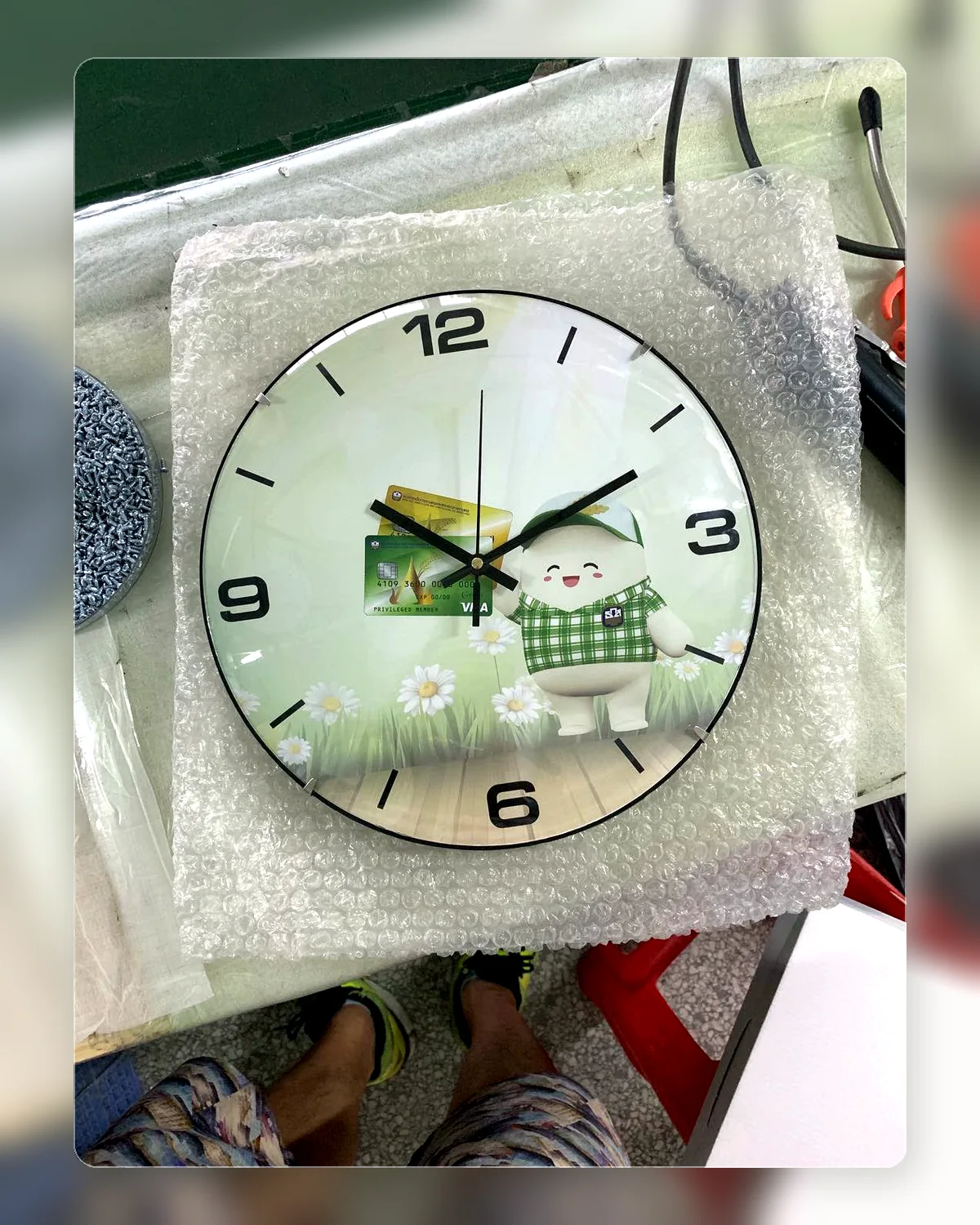
Photo gift layoutPersonal image with simple visual focus.
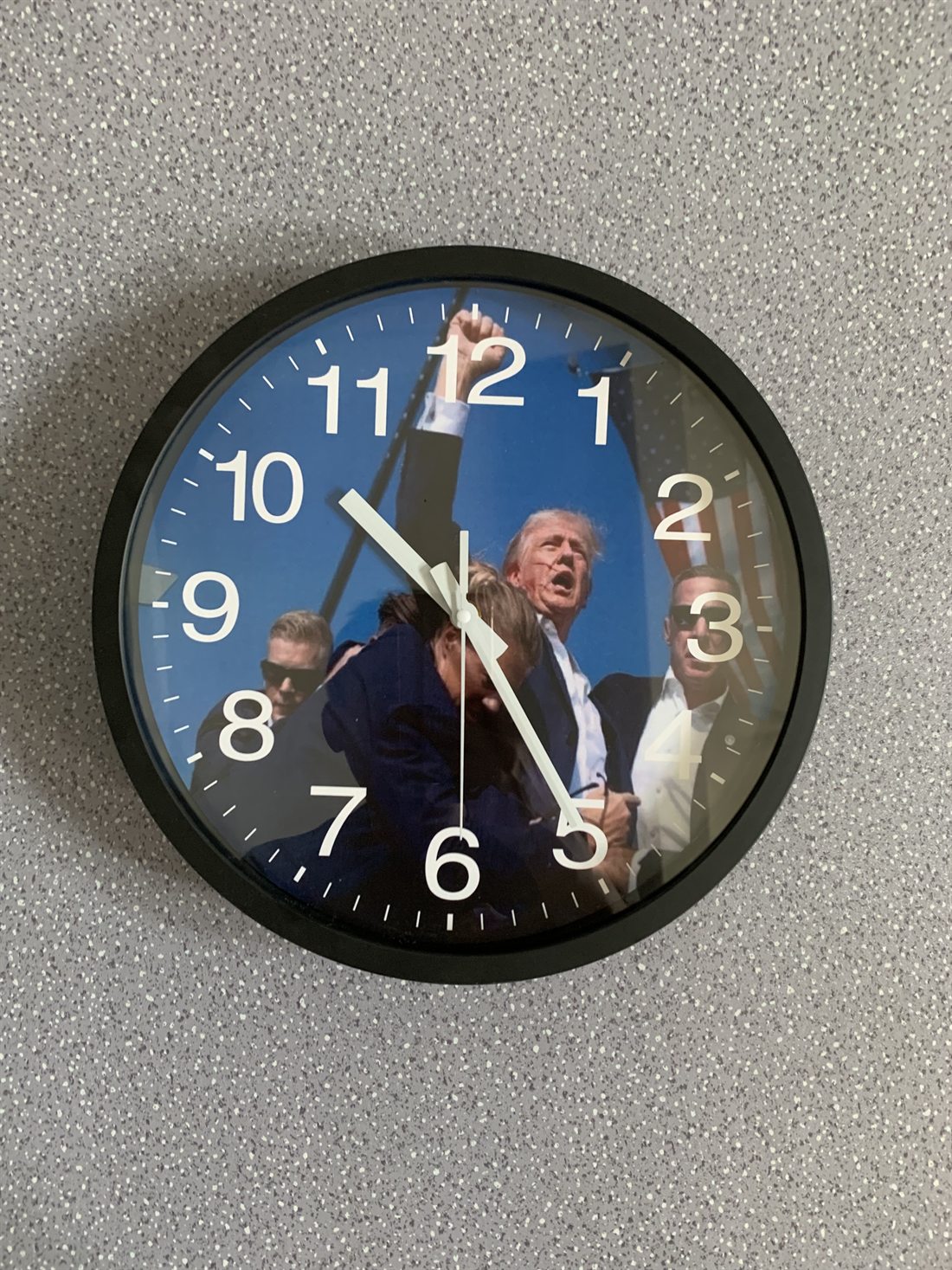
Full dial photo printArtwork fills the clock face for a stronger visual effect.
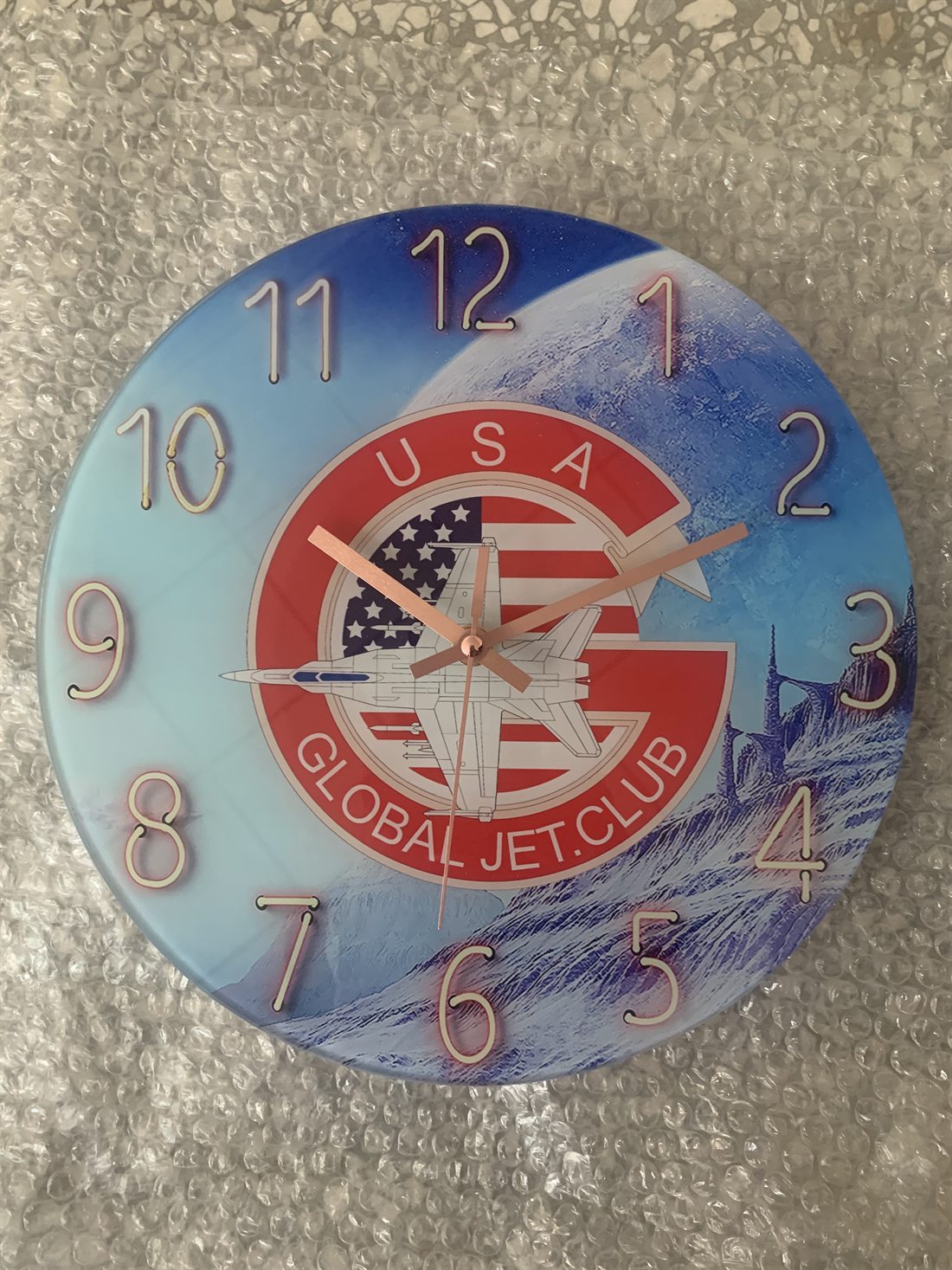
Logo plus photoGood for clubs, events, companies, and campaigns.
Order details
Send the information that affects price, proofing, and delivery.
For a faster quote, include your image, quantity, clock size, destination country, deadline, and whether you need custom packaging.
MOQOne personalized photo clock is supported. Bulk orders can be quoted by quantity.
Sizes8, 10, 12, 14, and 16 inch round wall clocks are common options.
ProofRound crop, text placement, frame color, and hand color can be checked before production.
PackagingBrown box, color box, window box, and bulk packing can be discussed for order needs.
Image guidelines
A better source image makes a better photo clock.
The clock is round, so edge details may be cropped. Keep faces, logos, or important artwork away from the outer edge when possible.
- Use a clear imageHigher resolution photos print better and give more room for crop adjustment.
- Keep the subject centeredThe center area is most important because the clock hands and hub sit there.
- Limit text on busy photosIf the image is detailed, simple wording and high-contrast colors are easier to read.
FAQ
Personalized photo wall clock questions.
Can I make a personalized photo wall clock with my own picture?
Yes. You can upload or send your own photo, artwork, brand graphic, pet portrait, family picture, or event image for the clock face.
What photo works best for a custom photo clock?
A clear photo with the main subject near the center works best because the clock face is round and the clock hands sit in the middle.
Can I order only one photo wall clock?
Yes. One-piece personalized clock orders and sample-style custom photo clock requests are supported.
Can I order bulk photo clocks with a logo or event design?
Yes. Bulk photo clock orders can use a company logo, event artwork, campaign image, custom frame color, and packaging requirements.
What sizes are available?
Common custom photo wall clock sizes include 8 inch, 10 inch, 12 inch, 14 inch, and 16 inch.
Will I receive a proof before production?
Yes. Bonmo Clock can confirm the round crop, text placement, contrast, frame color, and hand color before production.
Can the packaging be customized?
Packaging can be discussed for bulk orders, including brown box, color box, window box, or project-specific packing needs.
Get a quote
Send your image, quantity, size, and destination.
Bonmo Clock can check the photo crop, confirm clock details, and reply with the next production step.